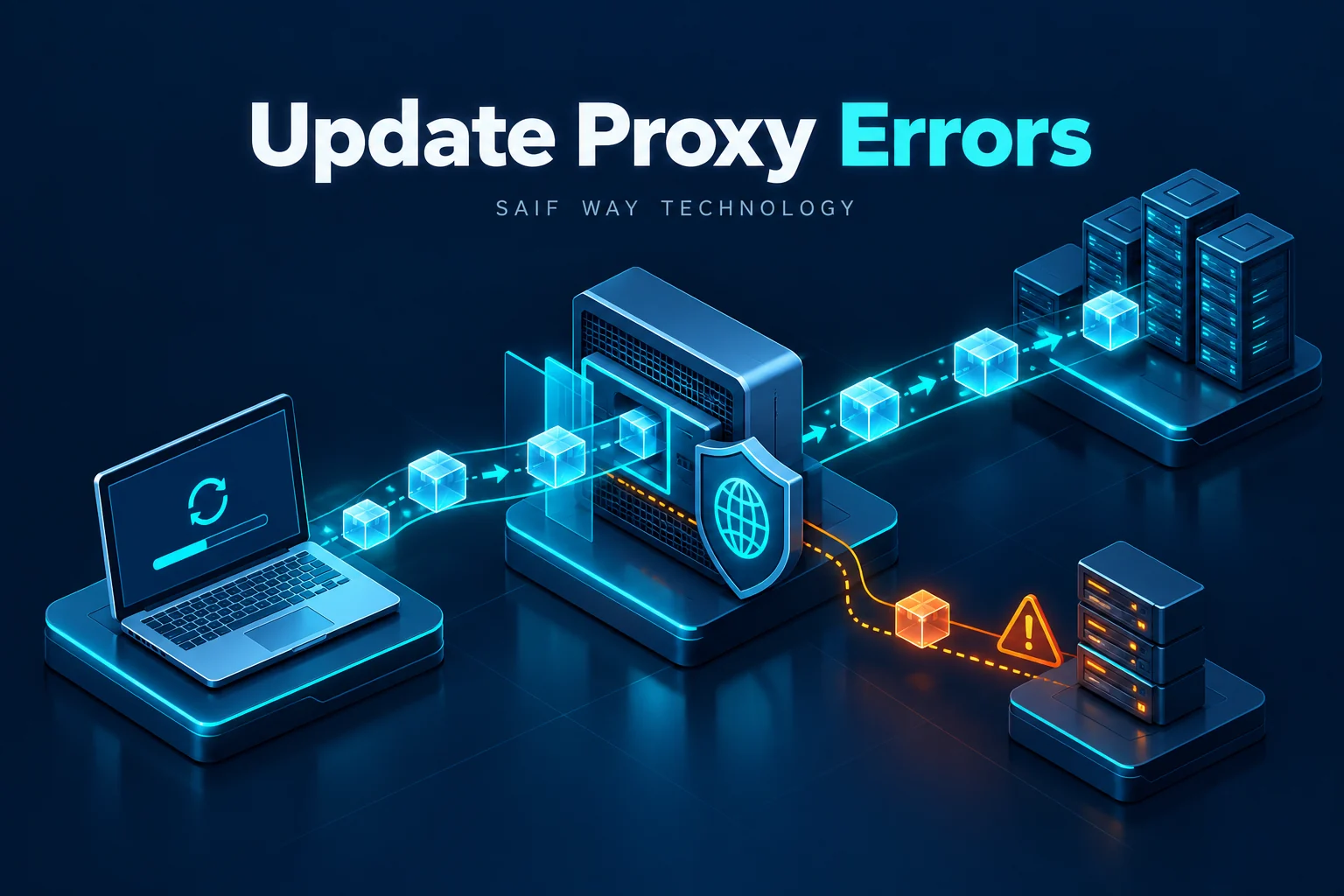
Windows Update fails while the browser works. That difference often sends troubleshooting in the wrong direction: a successful interactive session does not prove that the update service can use the same network path. Start with the error code and the context in which the request runs.
Lab status: This is a proposed exercise, not a completed device test or client case study. Code examples require validation against your image and dependency versions. My documented background is NOC/data center operations, multi-vendor Netmiko workflows and Python/Flask integration.
Offline example checks: October 20, 2026: PowerShell examples passed parser checks only. No Windows event collection, VPN connection or update operation was executed.
Which update error and proxy details should you collect?
Record the Windows build, KB or update identifier, failure time and whether the failure occurred during discovery, download or installation. Identify whether the device uses public Windows Update, WSUS or another managed delivery path. A proxy investigation cannot explain every installation failure.
Record whether discovery, download, install or reboot failed and correlate one KB/update with its event window. 0x80d05001 is the download error DO_E_HTTP_BLOCKSIZE_MISMATCH; it is not a generic explanation for every install failure.
Why can browser and Windows Update network paths differ?
Compare service-context WinHTTP configuration with the browser’s user context. Authentication, proxy bypass, PAC handling and TLS inspection can differ. The presence of a browser internet session therefore does not validate the managed update-delivery path.
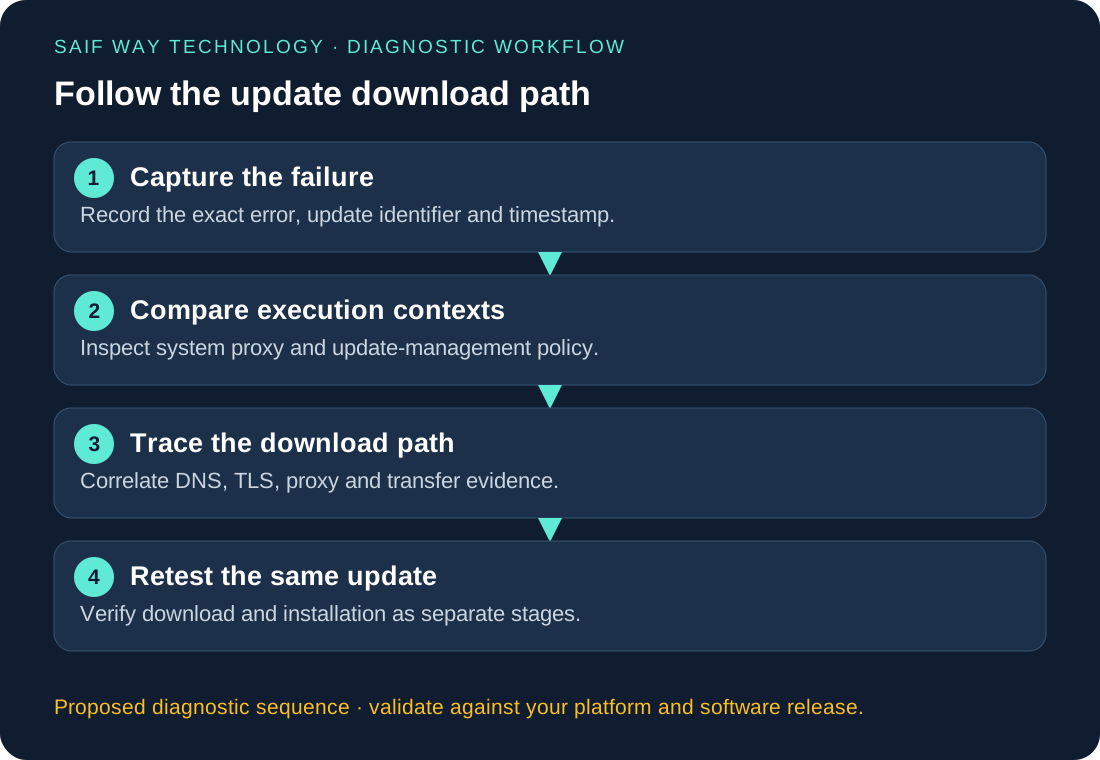
Proposed Windows VM lab: compare service and user proxy context
Use an approved proxy and a disposable Windows VM under the intended delivery policy. Save the baseline before changing one proxy rule. If server logs or endpoint policy are unavailable, mark the range-request branch unresolved rather than claiming a reproduced organizational failure.
PowerShell: collect read-only WinHTTP and network context
The additional PowerShell example restricts the event window, catches an unavailable log and reports the query status. It collects metadata only; detailed messages and URLs should remain in restricted evidence. WinHTTP output is a configuration observation, not proof that the update service used it for this request.
netsh winhttp show proxy
Get-DnsClientServerAddress -AddressFamily IPv4
Get-WinEvent -LogName 'Microsoft-Windows-WindowsUpdateClient/Operational' -MaxEvents 30 |
    Select-Object TimeCreated, Id, LevelDisplayName, Message
Time-bounded event metadata collector
$since = (Get-Date).AddHours(-2)
$queryState = 'completed'
$events = @()
try {
    $events = @(Get-WinEvent -FilterHashtable @{
        LogName = 'Microsoft-Windows-WindowsUpdateClient/Operational'
        StartTime = $since
    } -ErrorAction Stop)
} catch {
    if ($_.FullyQualifiedErrorId -like 'NoMatchingEventsFound*') {
        $queryState = 'completed_no_matching_events'
    } else {
        $queryState = 'unavailable'
    }
}
[pscustomobject]@{
    QueryState = $queryState
    WindowStart = $since.ToUniversalTime().ToString('o')
    Events = @($events | Select-Object TimeCreated, Id, LevelDisplayName, RecordId)
} | ConvertTo-Json -Depth 4
This is a proposed Windows collector. Only its PowerShell syntax is checked locally; event-provider and VPN/update behavior remain untested.
How should you isolate proxy, DNS and download failures?
For this specific error, inspect the requested Range and returned Content-Range/length behavior in authorized proxy logs. A valid partial transfer may return 206; a 200 alone is not automatically a defect because it depends on the request and transfer. Check whether the proxy changed, cached or blocked the range operation. Use Microsoft’s current delivery requirements rather than a guessed endpoint allowlist.
How should you verify a Windows Update correction?
Retest the same update through the approved route after a targeted change. Record download completion, install outcome and reboot state separately. A successful range probe is supporting evidence only; it does not prove the update completed.
What could a managed-endpoint diagnostic tool report?
Group metadata by error stage, endpoint build and approved proxy path. Keep last success and latest failure separate and avoid storing full browsing or update URLs in a general dashboard. Patch policy, proxy exceptions and rollout approval remain with the system owner.
Related troubleshooting and implementation
Explore the network automation troubleshooting collection to connect this issue to adjacent workflows. The Netmiko, NETCONF and RESTCONF comparison helps when you are choosing an interface rather than fixing an existing implementation.