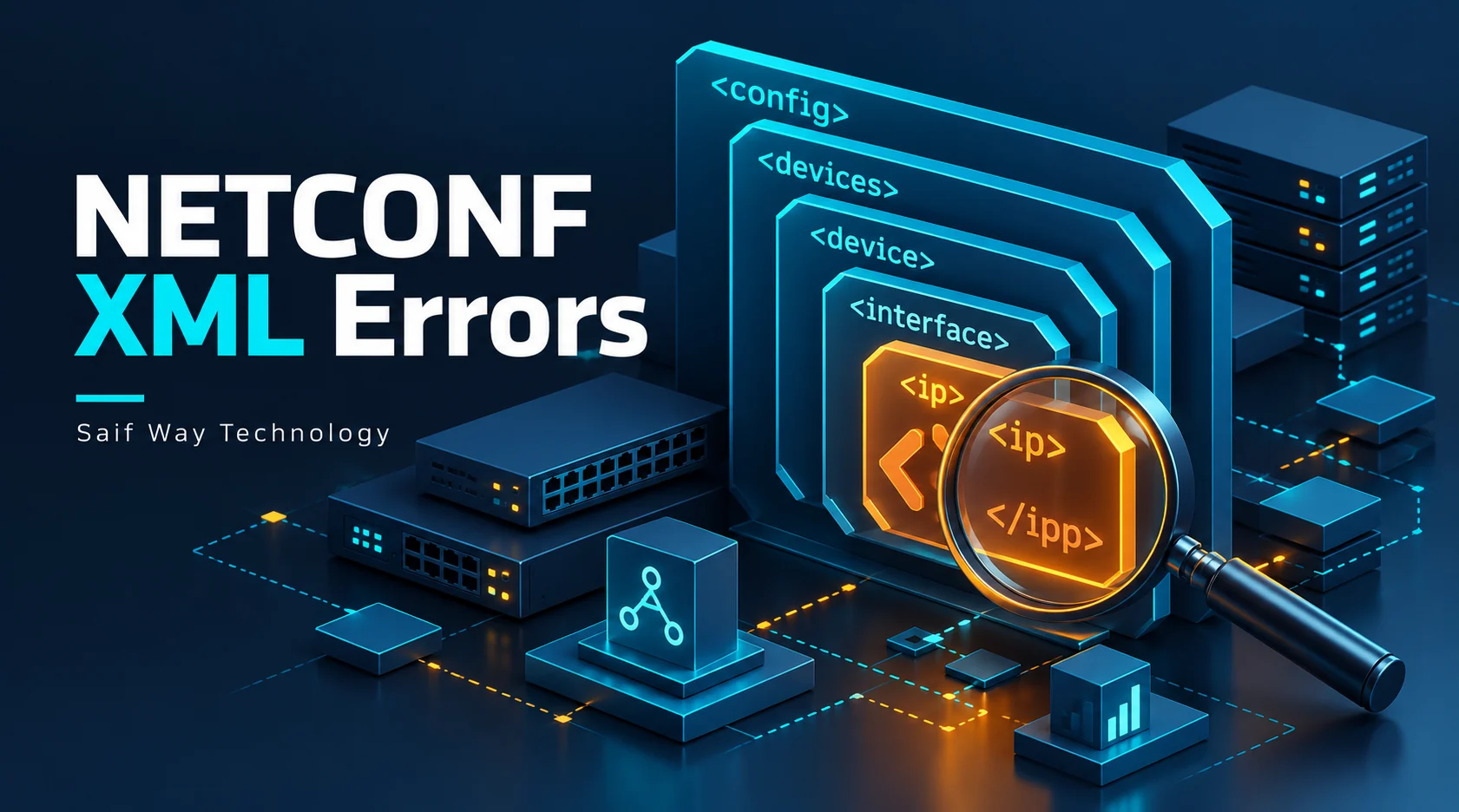
An edit_config call can fail even when the XML looks correctly indented. NETCONF interprets element names with namespaces, and the data tree must match a model supported by the server. An unknown-element response is a reason to inspect the actual request and error path.
Lab status: This is a proposed exercise, not a completed device test or client case study. Code examples require validation against your image and dependency versions. My documented background is NOC/data center operations, multi-vendor Netmiko workflows and Python/Flask integration.
Offline example checks: October 20, 2026: the added helper/demo block executed with local fixtures, and related negative cases were checked offline. No live device, controller, fabric or service behavior was validated.
What does the unknown-element error identify?
The server is rejecting an element it does not recognize in that context. A supplied bad-element or error-path can narrow the investigation. The cause could be a wrapper in the wrong namespace, an incorrect data hierarchy or a model mismatch. Do not assume the same correction applies to every RPCError.
Read error-tag, error-path and error-info/bad-element together. The named element might be the protocol wrapper or a vendor-model child. Indentation does not affect namespace identity. A correct namespace still needs a model/revision actually supported by the server.
How do XML namespaces change NETCONF element names?
The wrapper config belongs to urn:ietf:params:xml:ns:netconf:base:1.0; an IOS XE native hostname belongs to its native YANG namespace. An unqualified <config> is a useful bad fixture. Prefix spelling can vary while the expanded {namespace}localname remains identical.
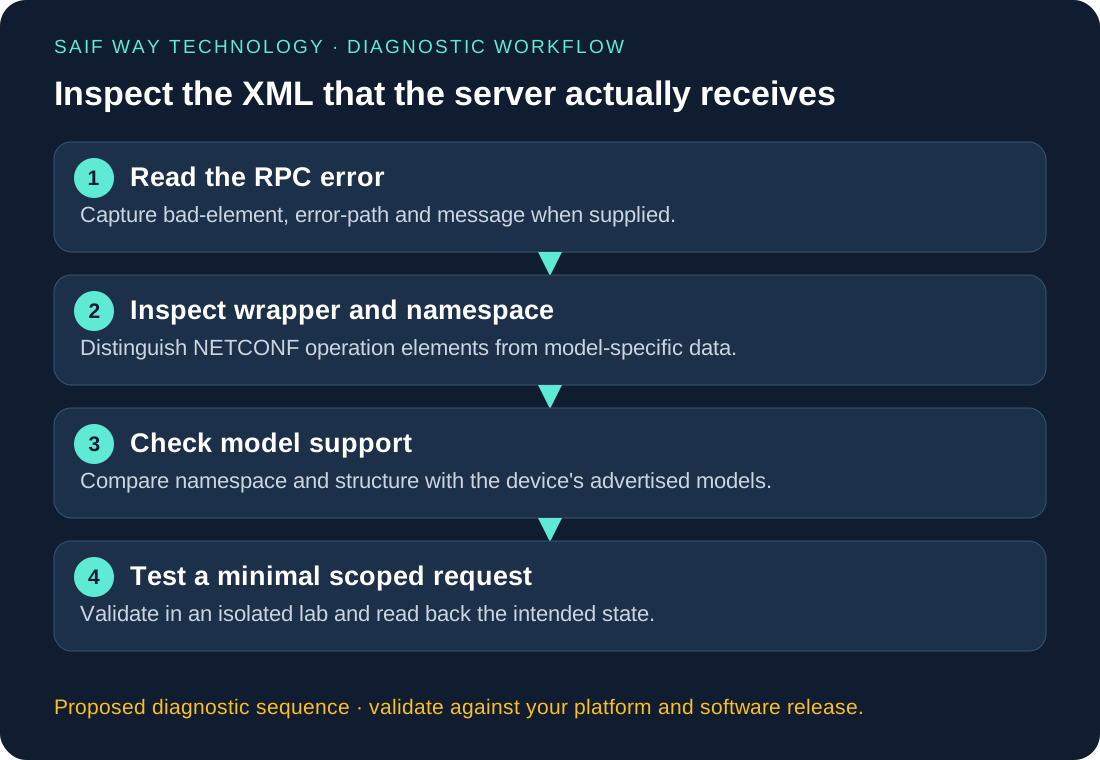
Proposed ncclient lab: inspect the request and server model
Keep the first tests offline: parse bad/good wrappers and compare expanded names. For any later write, use only a disposable image, console recovery and an approved target datastore. Reading capabilities and an existing hostname should precede an edit-config exercise.
Python: inspect expanded XML names without a device connection
The builder below escapes values through ElementTree and validates the lab hostname format. It returns a correctly namespaced wrapper, without sending it. The corresponding ncclient call is session.edit_config(target='running', config=hostname_config('LAB-R1')); this is a lab mutation and requires verified :writable-running support and approval. Do not wrap the resulting XML in a second <config> element.
from xml.etree import ElementTree as ET

xml = '''<config xmlns="urn:ietf:params:xml:ns:netconf:base:1.0">
  <native xmlns="http://cisco.com/ns/yang/Cisco-IOS-XE-native">
    <hostname>LAB-R1</hostname>
  </native>
</config>'''
root = ET.fromstring(xml)
for node in root.iter():
    print(node.tag)
Worked Python example and input contract
import re
import xml.etree.ElementTree as ET

def hostname_config(name):
    if not re.fullmatch(r'[A-Za-z][A-Za-z0-9-]{0,62}', name):
        raise ValueError('invalid_lab_hostname')
    base = 'urn:ietf:params:xml:ns:netconf:base:1.0'
    native = 'http://cisco.com/ns/yang/Cisco-IOS-XE-native'
    root = ET.Element('{' + base + '}config')
    node = ET.SubElement(root, '{' + native + '}native')
    ET.SubElement(node, '{' + native + '}hostname').text = name
    return ET.tostring(root, encoding='unicode')

print(hostname_config('LAB-R1'))  # Offline XML construction only
Which request and model checks should come next?
First determine whether the error path refers to the wrapper or the vendor subtree. Then compare the supported schema and target datastore. Change one namespace or path variable at a time; switching several fields makes the next response harder to interpret.
What can offline XML checks verify before a device test?
Offline parsing confirms well-formed XML and expanded names only. It cannot establish server acceptance, authorization, datastore semantics or rollback behavior. A client-ready report should retain a sanitized error path and which request schema was used.
Related troubleshooting and implementation
Explore the network automation troubleshooting collection to connect this issue to adjacent workflows. The Netmiko, NETCONF and RESTCONF comparison helps when you are choosing an interface rather than fixing an existing implementation.